#EDENChat on Twitter: Digital applications for culture and creative industries during the pandemic
Dr. Diana Andone (@ diando70) together with EDEN, associate partner of the Digital Culture project (@CultureDigi) hosted a discussion on Twitter on the digital applications used for culture and creative industries, but also the skills needed to consume and develop culture in the digital sphere.
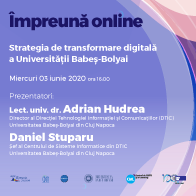
Webinar #onlinetogether - The digital transformation strategy of Babeș-Bolyai University
On Wednesday, June 3, 2020, the webinar #impreunaonline Digital Transformation Strategy of Babeș-Bolyai University took place. Participation was free, and CeL issued Open Badges. Find out more here!
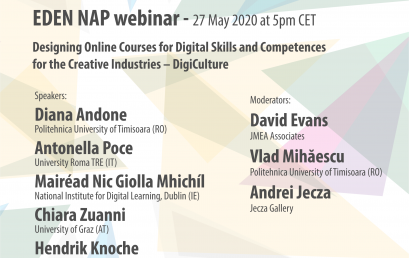
Webinar EDEN NAP: Designing Online Courses for Digital Skills and Competences for the Creative Industries – DigiCulture
The presenters made an introduction to the 13 short online courses, which are soon ready to launch, and outlined how they can be used, both in the current pandemic situation and in the future, to improve the relevant digital skills of adults.
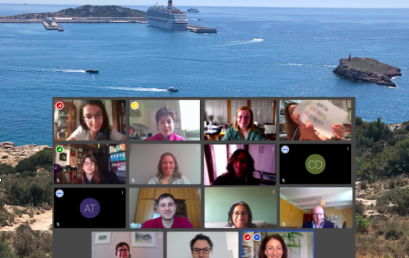
The 6th Transnational Partner Meeting took place online
Due to the COVID crisis19, the 6th transnational meeting of partners in the Open Virtual Mobility project, hosted by the University of the Balearic Islands which had been planned to take place in Ibiza, moved online and took place on 18-19 May 2020.
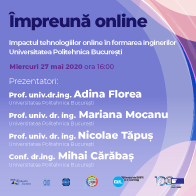
Webinar #onlinetogether - The impact of online technologies in the training of engineers
On Wednesday, May 27, 2020, the #impreunaonline webinar took place The impact of online technologies in the training of engineers. Participation was free, and CeL issued Open Badges. Find out more HERE!

UPT, through CeL has the second member elected in the management structures EDEN - Ș.l. Vlad Mihăescu
The EDEN Association announced in May the new members elected to the Steering Committee of academics and professionals. Among them is Ș.l. Vlad Mihăescu, who thus becomes the second EDEN member of the CeL-UPT team.
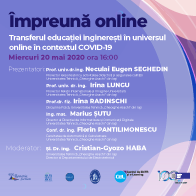
Webinar #onlinetogether - The transfer of engineering education in the online universe in the context of COVID-19
On Wednesday, May 20, 2020, the webinar #impreunaonline - The transfer of engineering education in the online universe took place in the context of COVID-19. Participation was free, and CeL issued Open Badges. Find out more here!
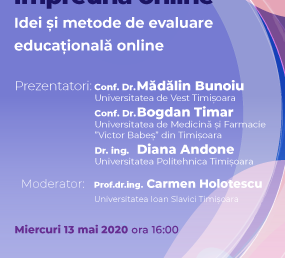
Webinar #onlinetogether - Ideas and methods for online educational evaluation
On Wednesday, May 13, 2020, the webinar #impreunaonline took place -
Ideas and methods for online educational evaluation. Participation was free, and CeL issued Open Badges. Find out more here!
 Română
  English